Archive a Company Record
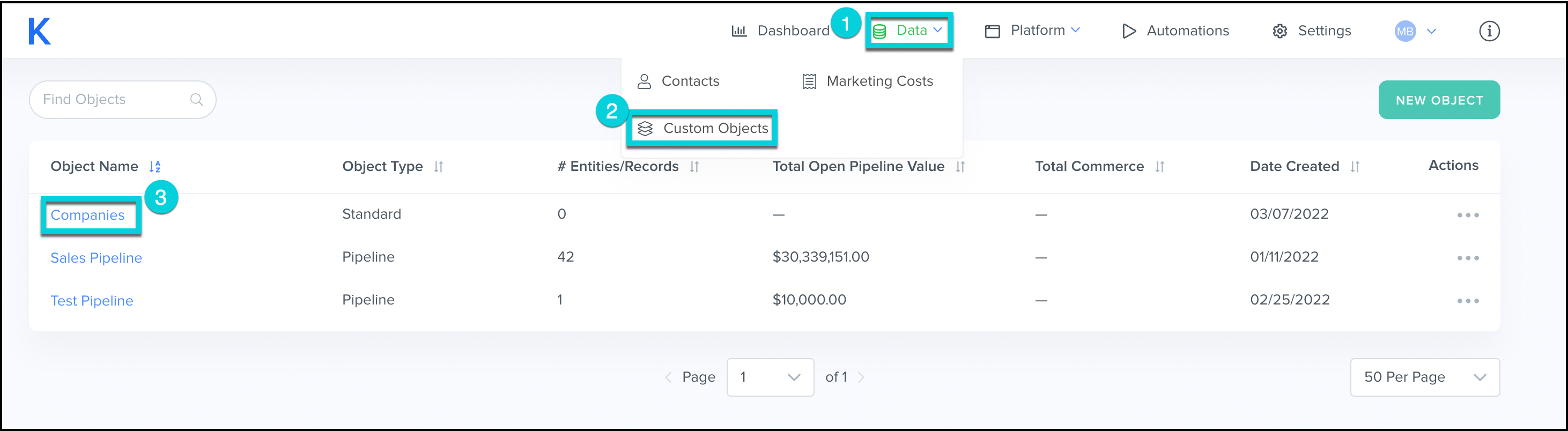
- Select Data from the top menu bar.
- Select Custom Objects.
- Click the Companies custom object.
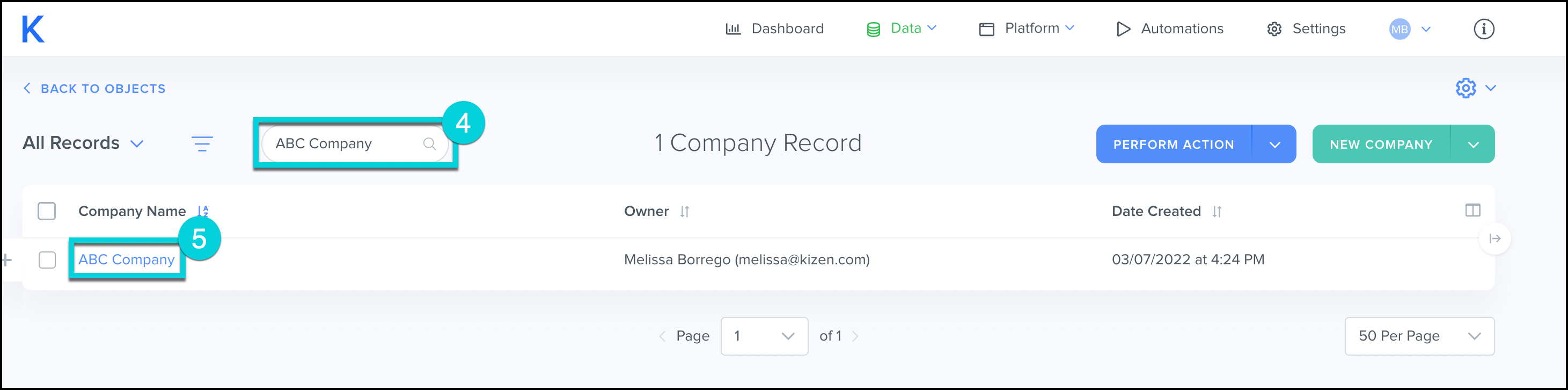
- Search for the company.
- Click on the Company Name.
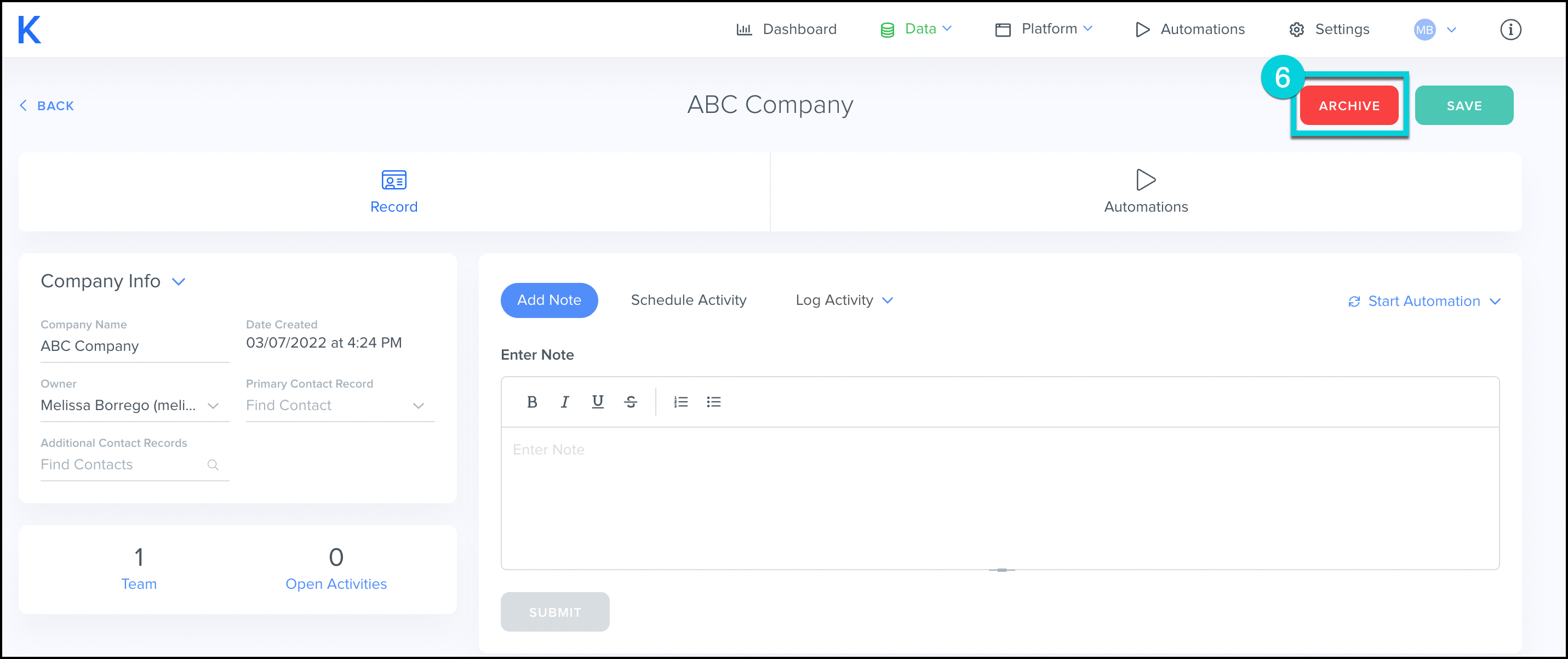
- Click Archive.
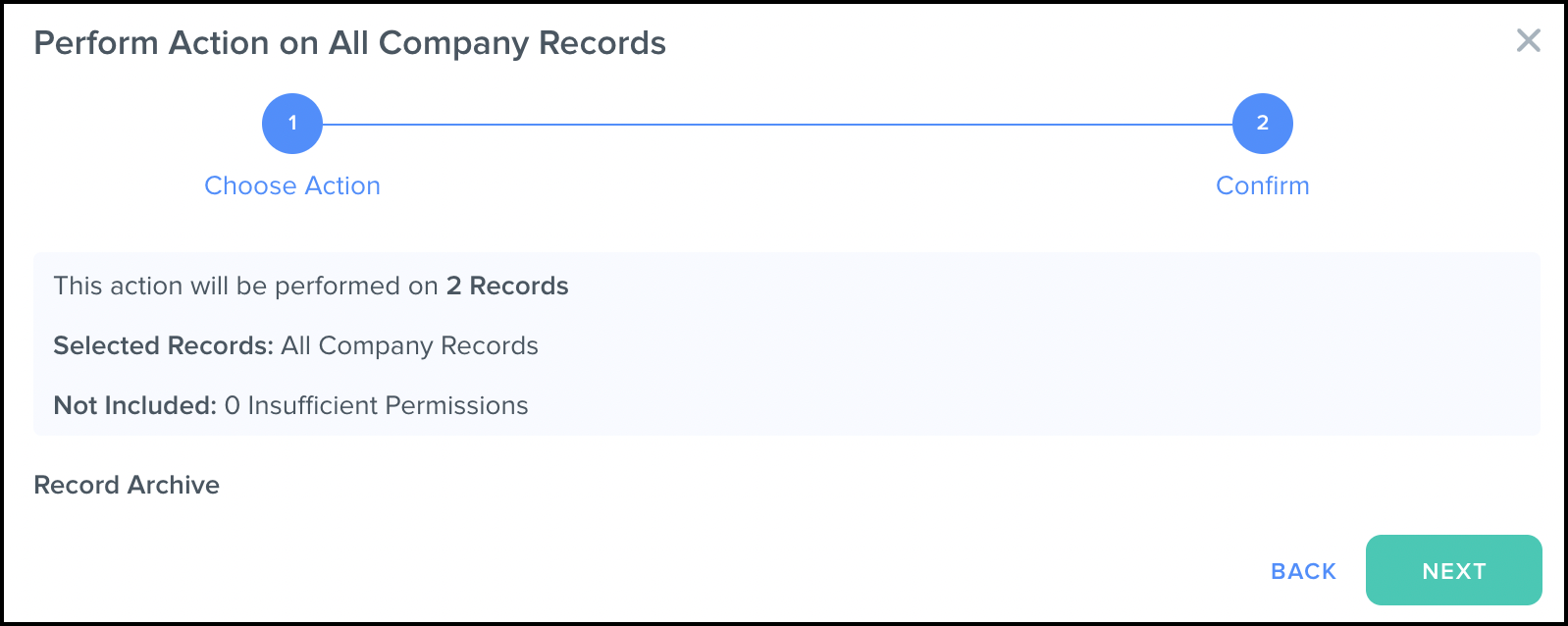
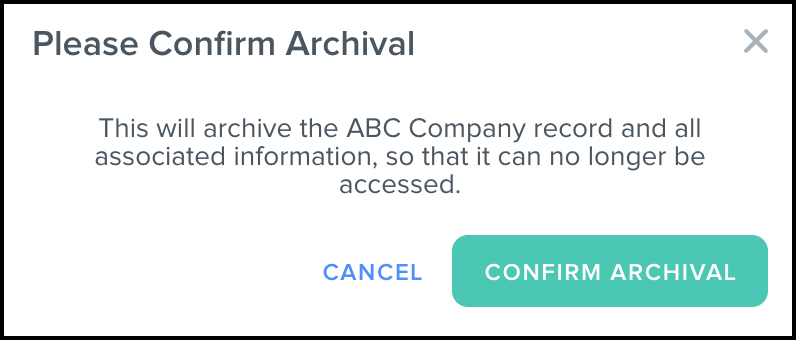
- Confirm Archival.
This will archive the record and all associated information, so that it can no longer be accessed.
Archive Multiple Contacts at Once
- Select Data from the top menu bar.
- Click Custom Objects.
- Click the Companies custom object.
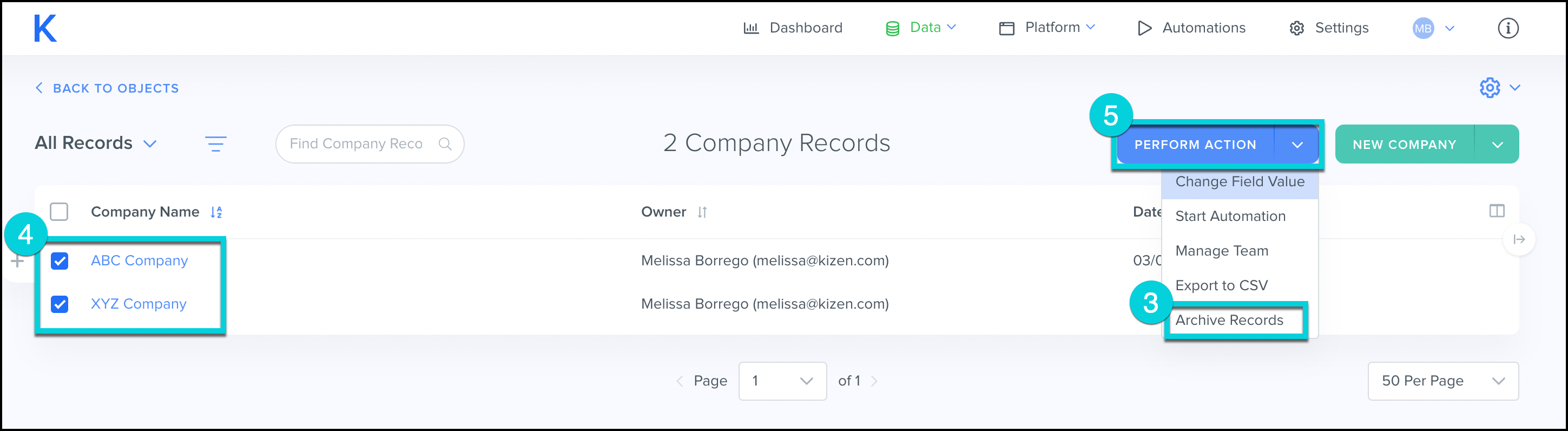
- Select the companies you'd like to delete.
- Select Perform Action.
- Archive Records.
- Confirm Archival.