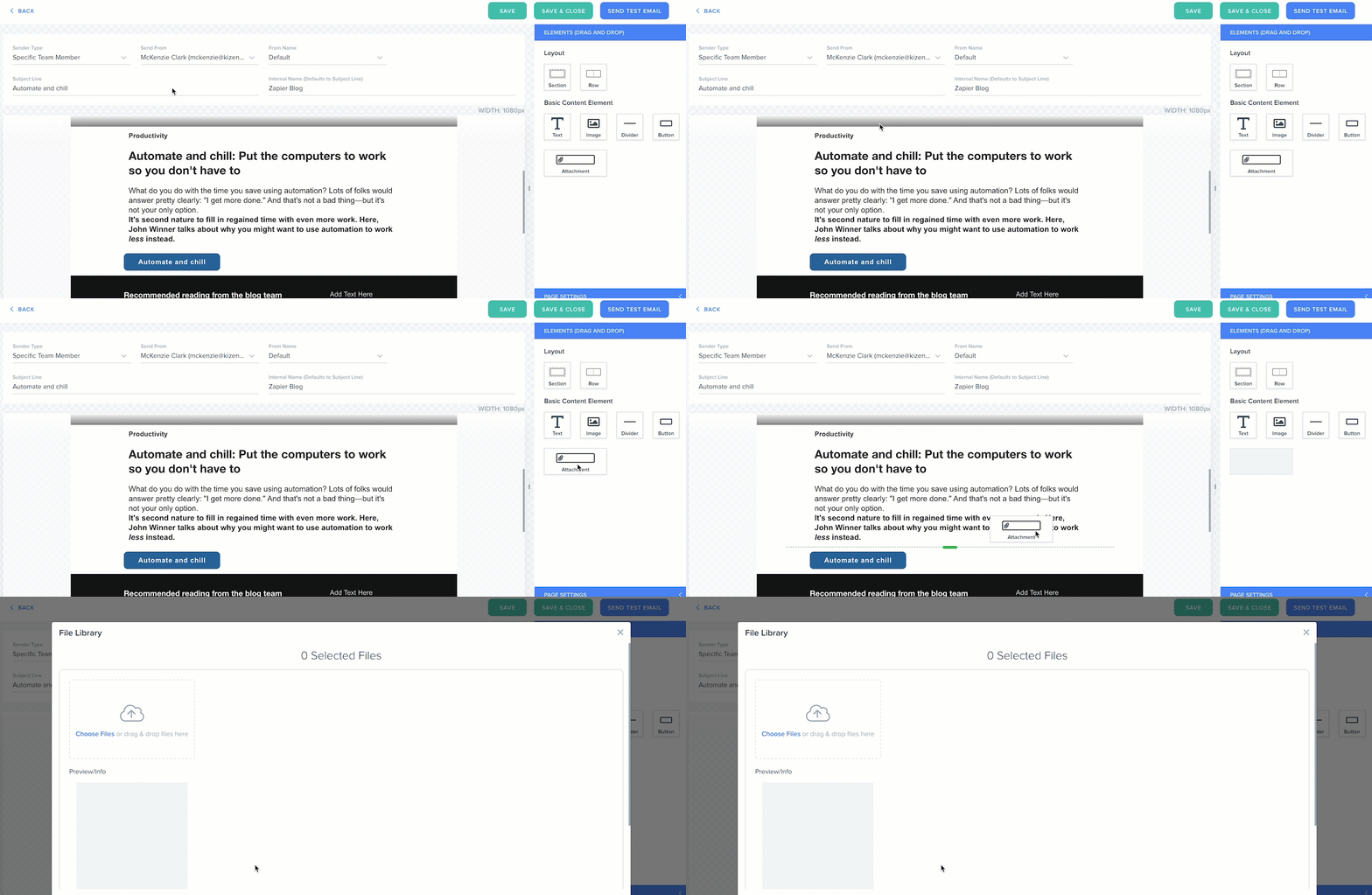
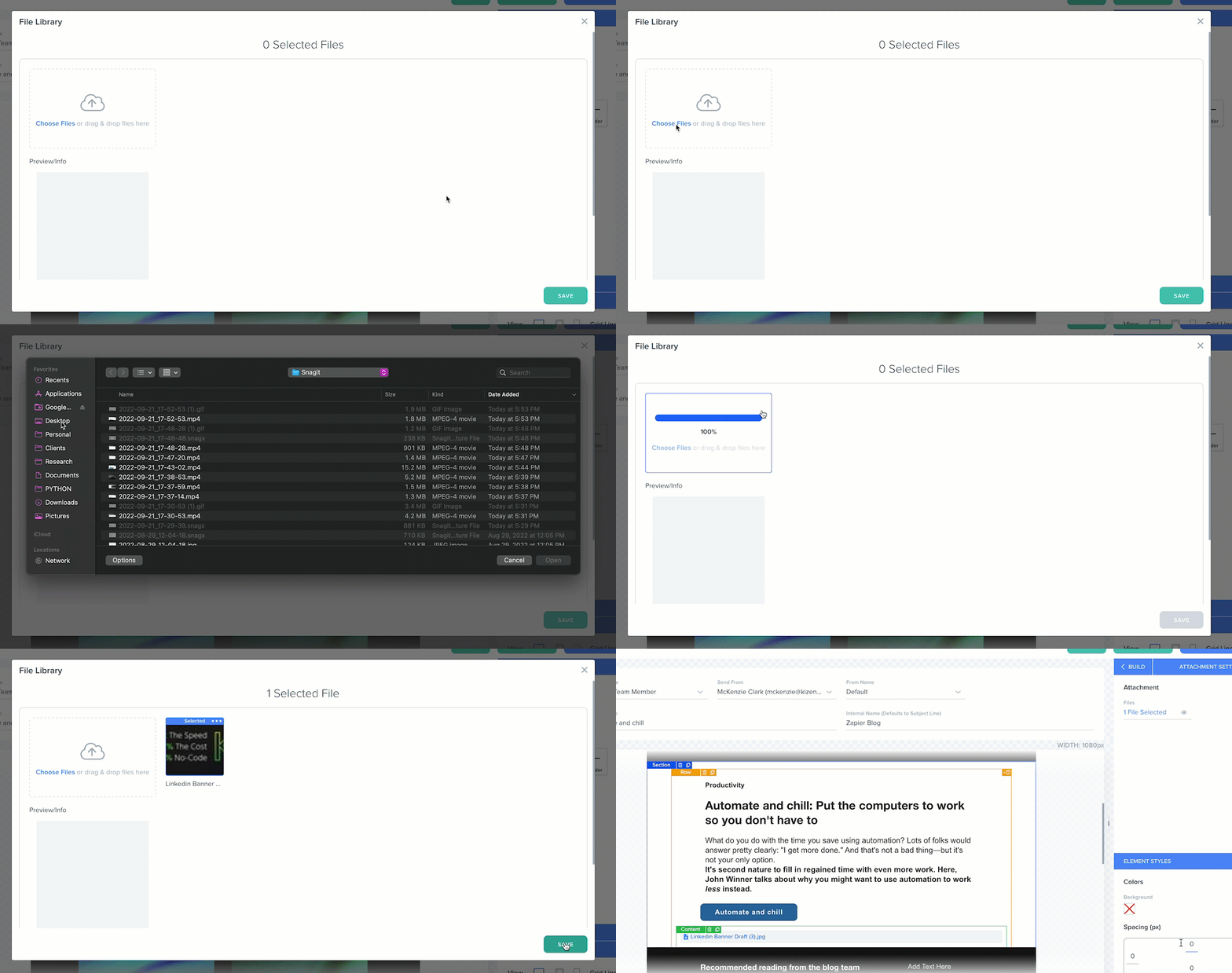
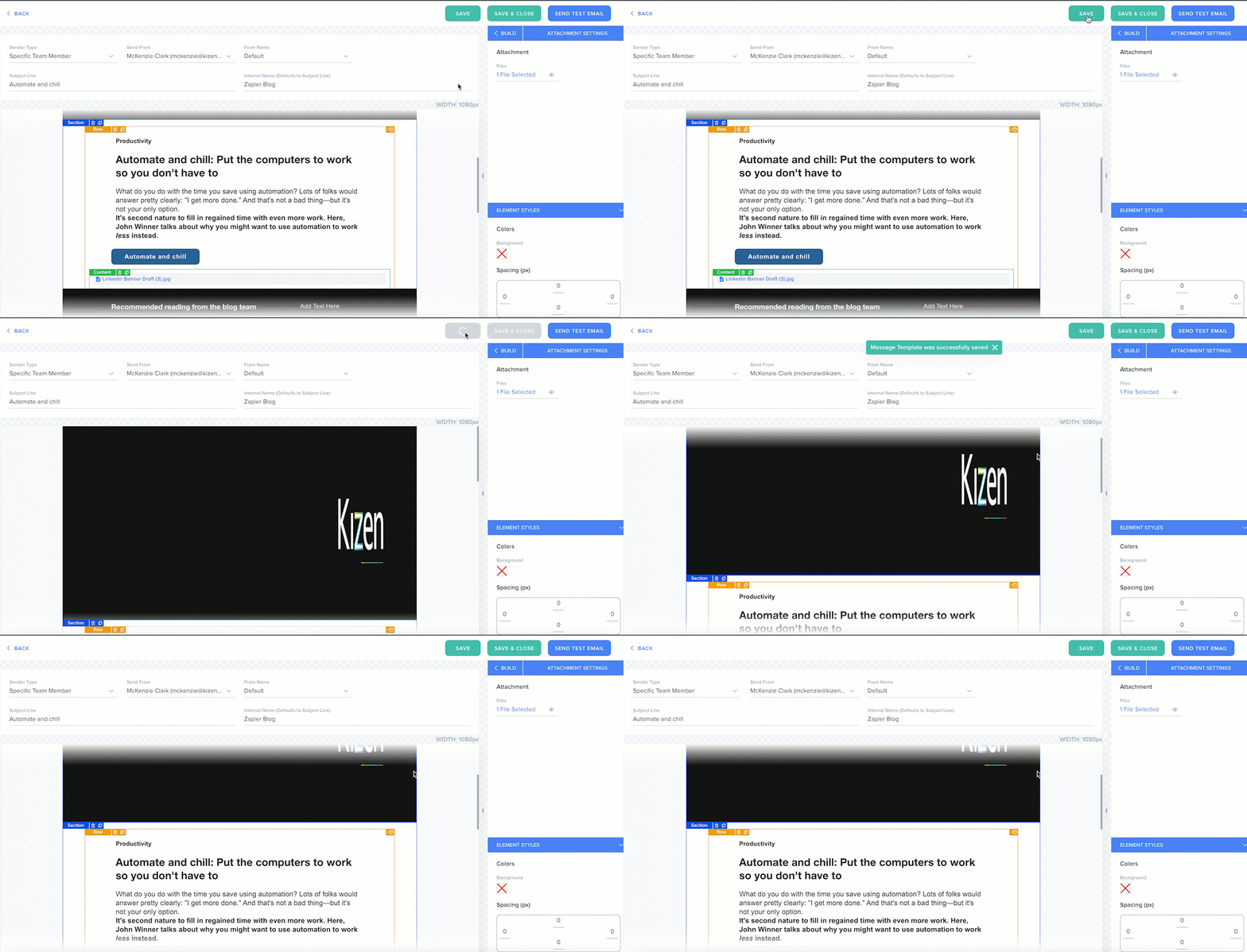
Email Builder: Email Attachments Kizen Support September 21, 2022 23:02 Add an Attachment Add an Email Template. Drag and drop Attachment element in the content block. Choose file or drag and drop. Click Save to upload the file. Click Save or Save & Close the template.