
Merge Field Overview
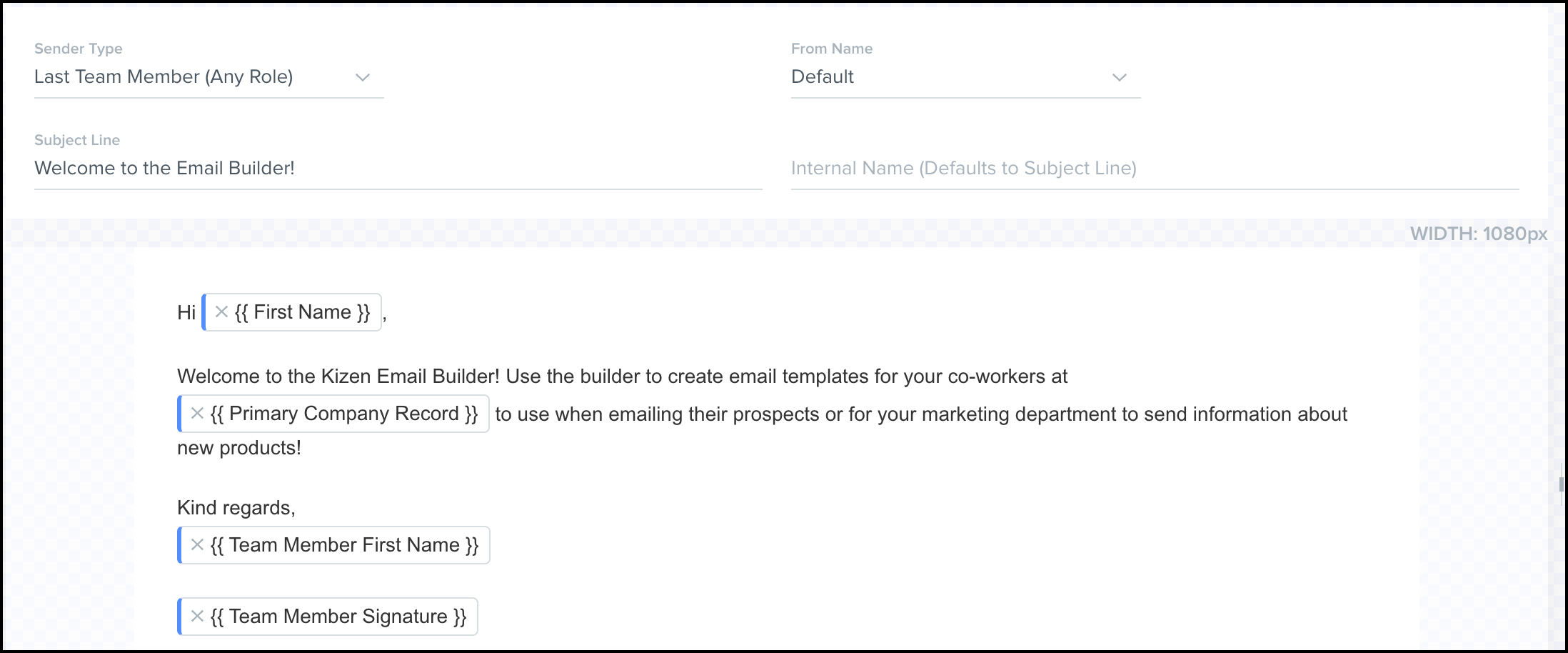
Merge fields are custom fields tracked on your contact and custom object entity records. Add these to your email templates to easily personalize your emails to contacts or other team members.
Example of an email template with merge fields:
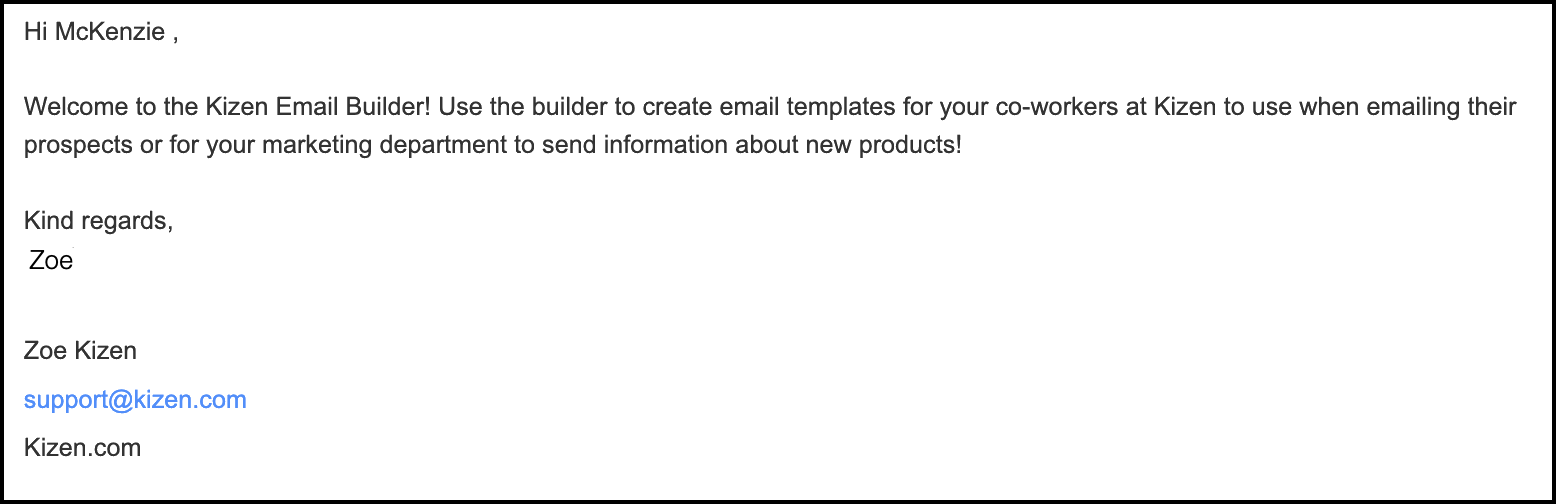
What the recipient receives:
Add Merge Fields to your Email Template
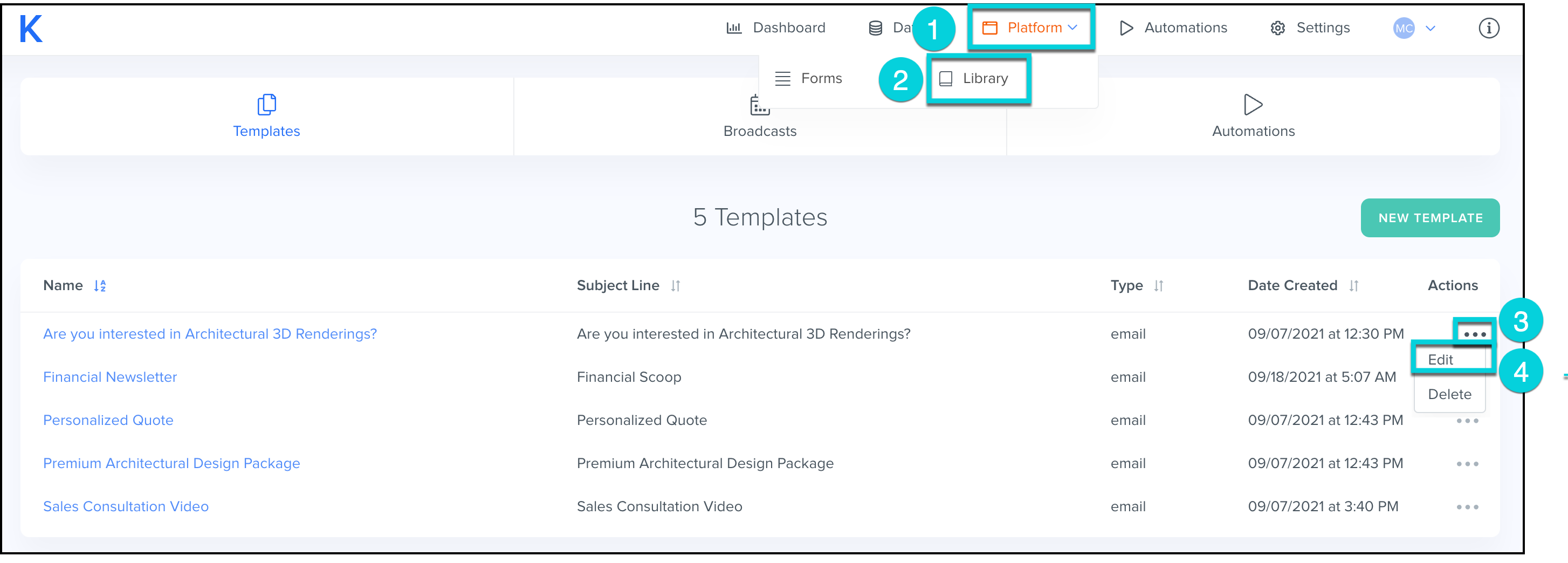
- Select Platform from the top menu bar.
- Select Library.
- Find the email template you would like to make changes to and click the ...
- Select Edit.
- In the Text Content block, select + Insert Merge Field.
- Search for the field name and select it from the fields available.
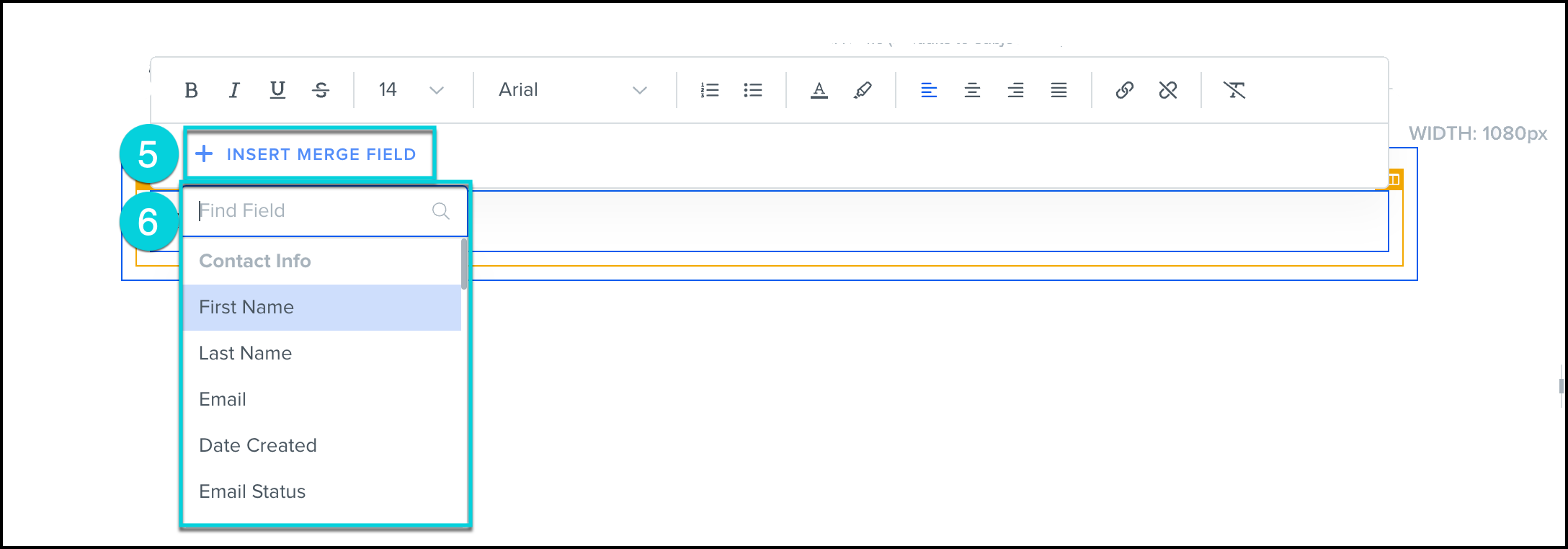
- Repeat steps 5 and 6, as necessary, to your email content.
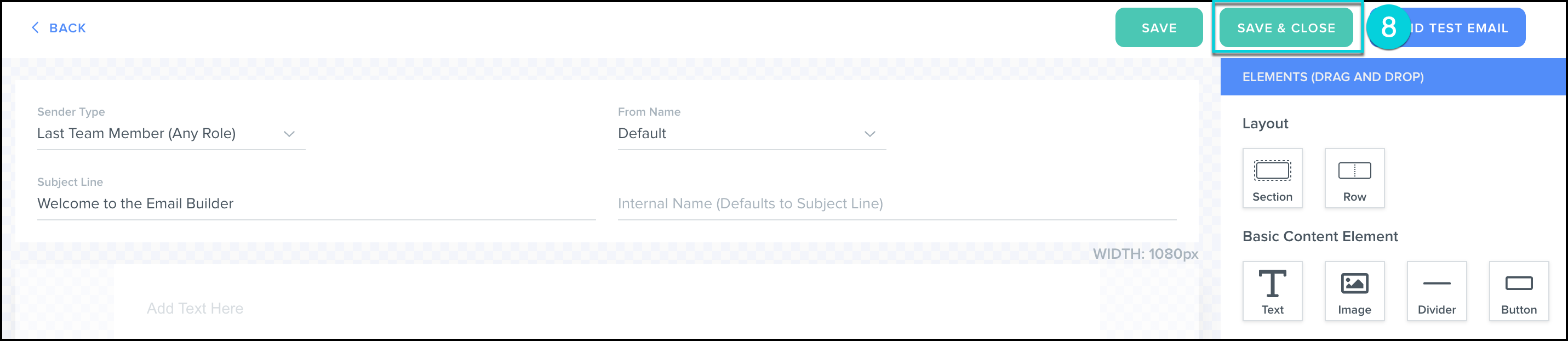
- Click Save and Close.
Hint:
Date Time merge fields display in the universal time format.
Timezone emails will match the timezone set in the Business Information section of your account.
Timezone a user sees when the log into Kizen and views the record will match the user's timezone.