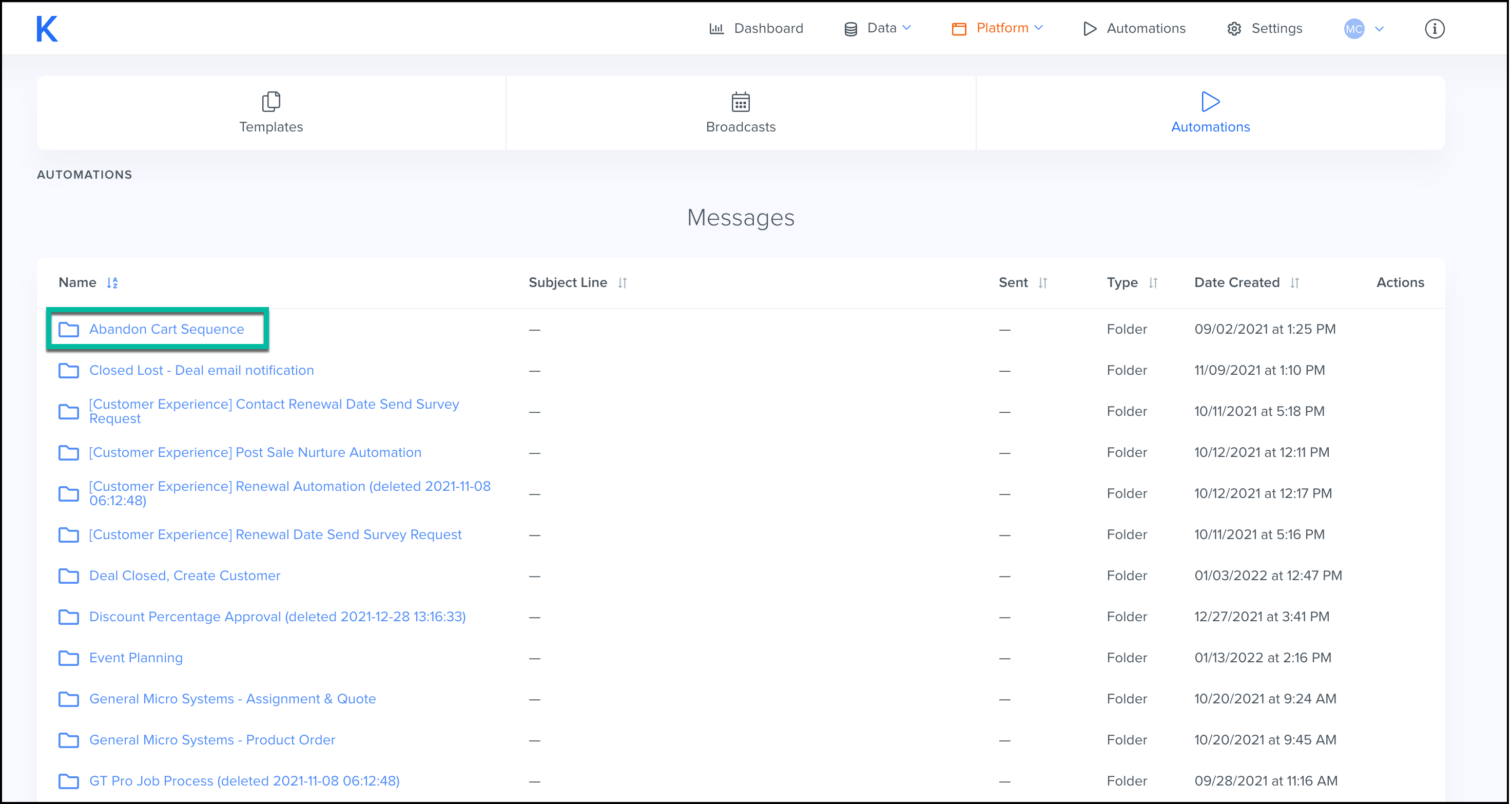
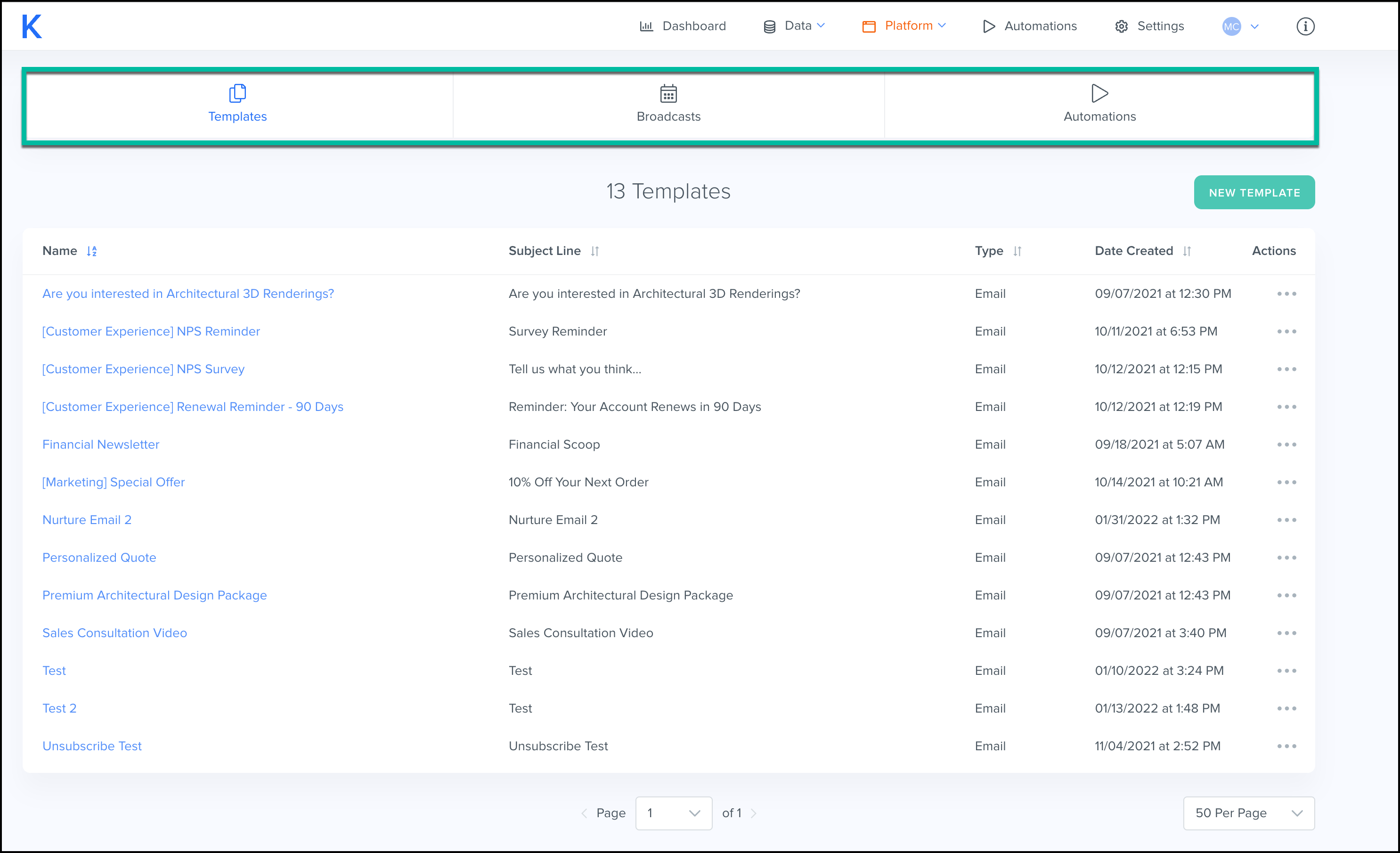
The Library consists of Templates, Broadcasts, and Automations.
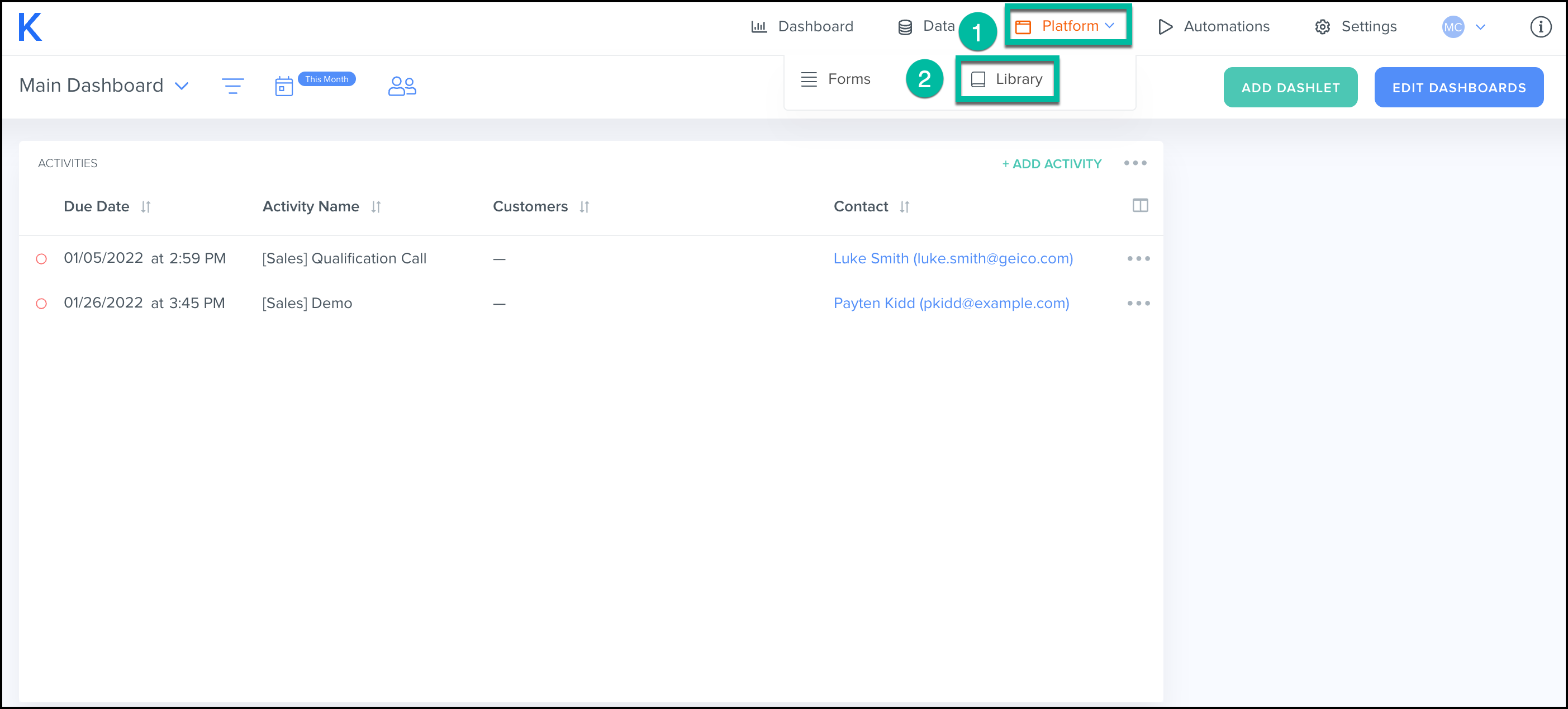
To View Your Library:
- Select the Platform tab.
- Select Library.
Library Overview:
Kizen's Library tab will store all templates, broadcasts and automations created by you and your team for quick, easy reference.
Templates:
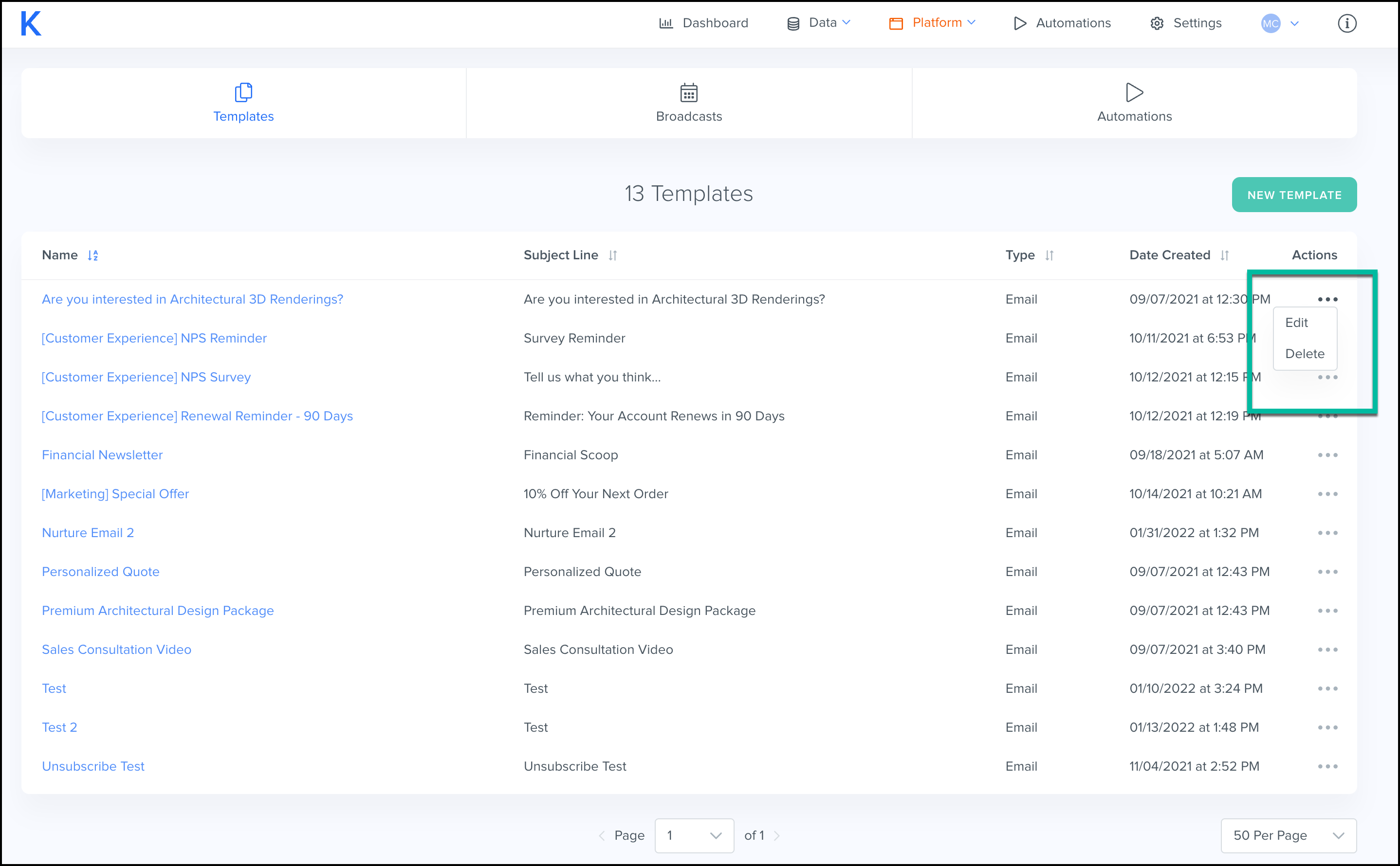
Templates are used to create emails sent out by your company for common processes. In the library tab, either view past email templates you and your team have used, or create a new one.
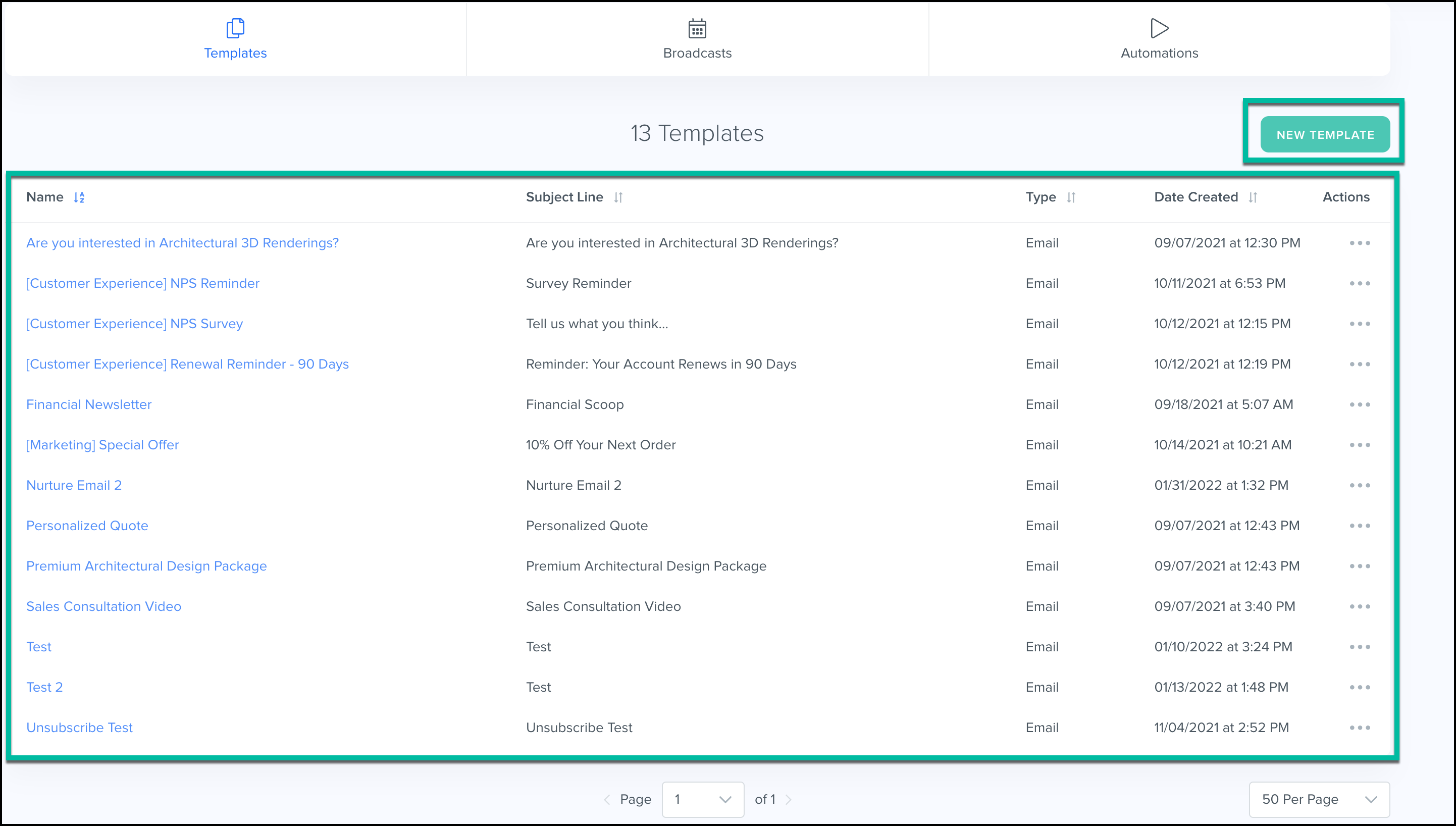
Edit or Delete existing templates by using the three dots on the right hand side.
Automations:
View how your templates are currently being used in your automations through the Automations tab.
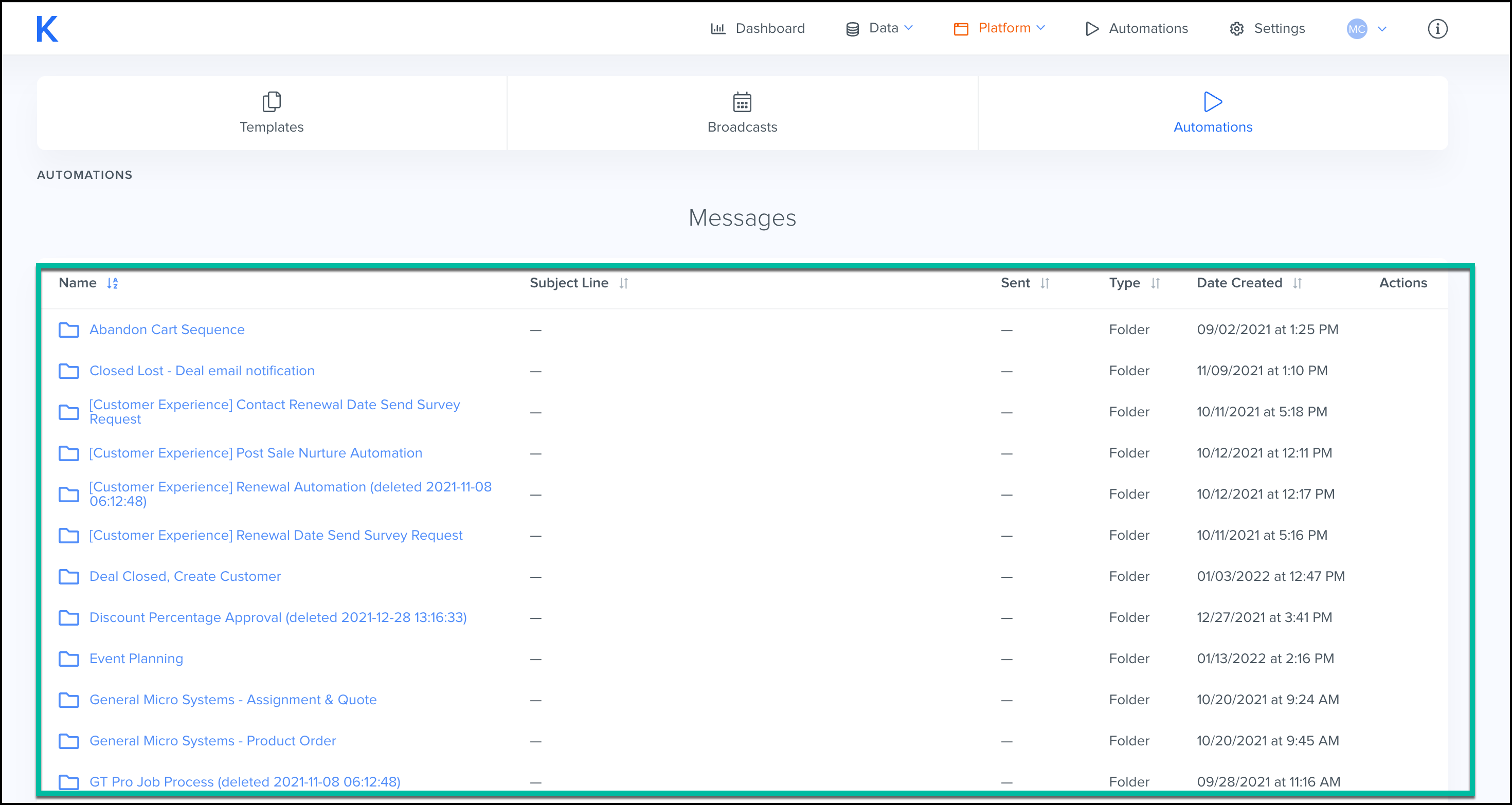
Click on an automation, and it will allow you to easily view the templates specific to that automation.