Email Templates are housed in the Message Library. These templates can be used anywhere in Kizen to send an email.
Delete an Email Template
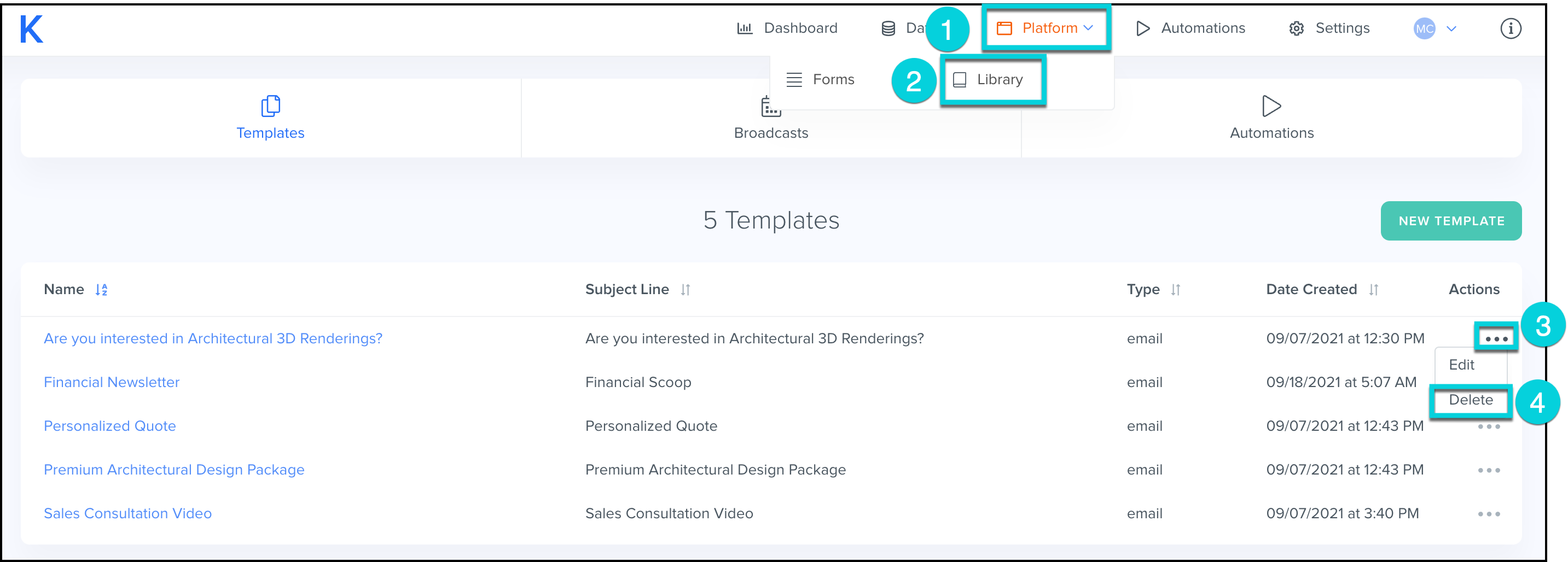
- Select Platform from the top menu bar.
- Select Library.
- Find the email template you would like to make changes to and click the ...
- Select Delete.
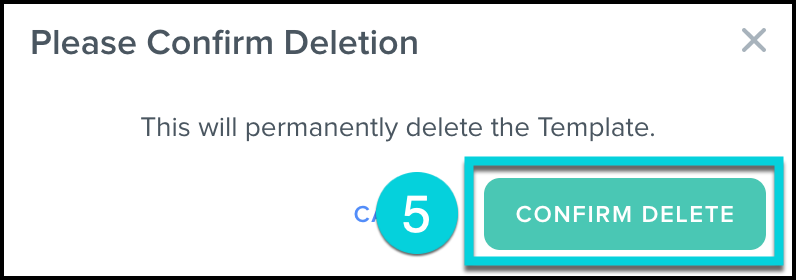
- Review the pop-up and Confirm Delete.
- This will permanently delete the template.